Aug 6, 2020
Immersed WiFi Direct for Windows
If you have WiFi built-in or are using a WiFi USB adapter, the Immersed Agent will detect it and give you the option to enable WiFi Direct. Follow these steps to get WiFi Direct up and running.
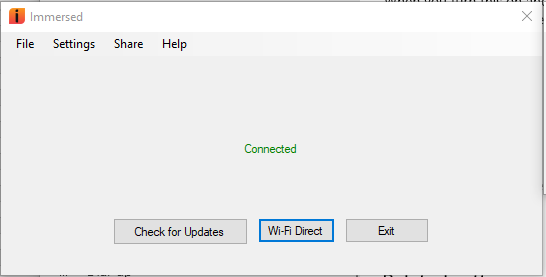
Note: Some WiFi USB wireless adapters need to be manually set to utilize 5GHz channels. This can be done via Device Manager -> Network adapters -> Properties.
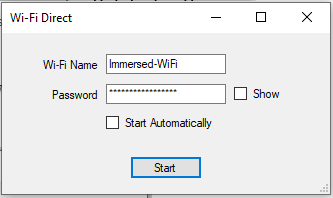
- Click on “Wi-Fi Direct” to open the Wi-Fi Direct window then click “Start”. Remember the Wi-Fi Name and Password for later.
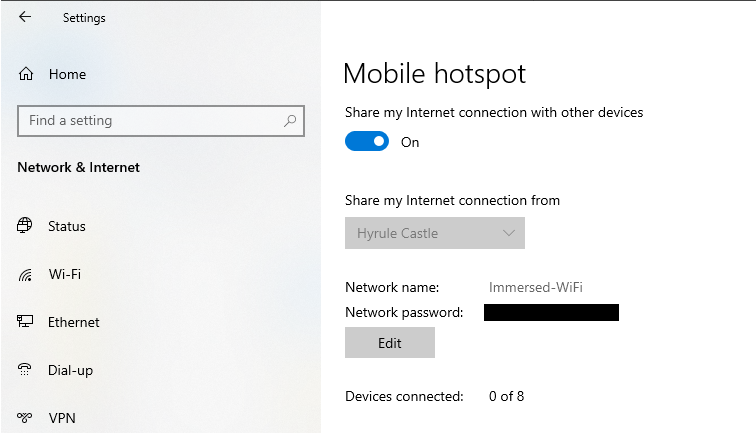
2. Once started, your Mobile hotspot will turn on. You can verify in Settings>Network and Internet>Mobile hotspot.
3. Get into your headset and go the the Oculus home menu. Go to Settings>WiFi and look for the new network (Immersed-WiFi). Select it and then enter the password from earlier.
4. Once connected, launch Immersed, head to the Monitors menu in Immersed and connect to your computer!
Troubleshooting
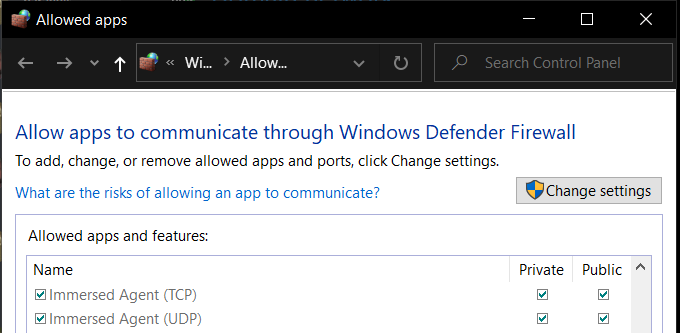
If you experience connection issues within Immersed make sure you firewall settings allow Immersed through. Depending on if you are on a Public or Private network, you will need to allow Immersed accordingly.
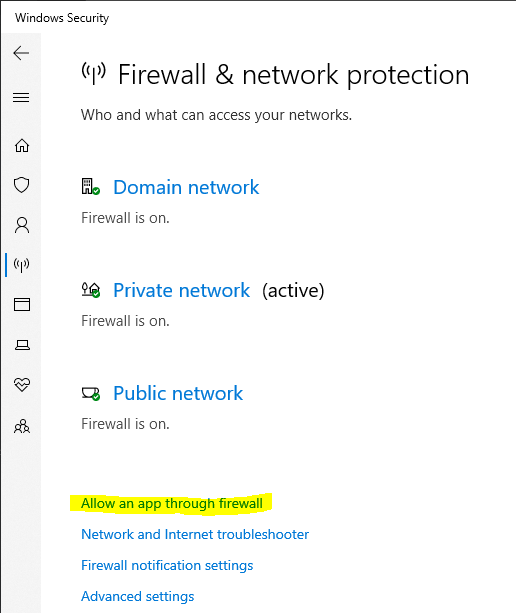
Open Settings>Updates & Security>Windows Security>Firewall & Network Protection. Here you can Allow an app through firewall.
In the next window you can find Immersed and check settings.